
Everything a Lambda function writes to standard output ends up in CloudWatch Logs. That is convenient: no agent to install, no configuration, and the logs are there when something goes wrong. It also means every log line is billed, first when it is ingested and then every month it is stored. By default, the log group Lambda creates for a function never deletes anything.
This is the third article in our series on the costs that serverless cost estimates leave out. The first one was about the free tier, the second one about data transfer.
What CloudWatch charges
These are the list prices in US East (N. Virginia) on November 22, 2026:
| What | Price |
|---|---|
| Ingesting Lambda logs, Standard log class | $0.50 per GB for the first 10 TB a month, less beyond |
| Ingesting Lambda logs, Essentials log class | $0.25 per GB for the first 10 TB a month, less beyond |
| Storing logs | $0.03 per GB and month, compressed |
| Querying logs with Logs Insights | $0.005 per GB scanned |
| Custom metrics | $0.30 per metric and month for the first 10,000 |
Next to the price of compute, $0.50 per GB looks small. It isn’t, because log lines add up fast.
An example
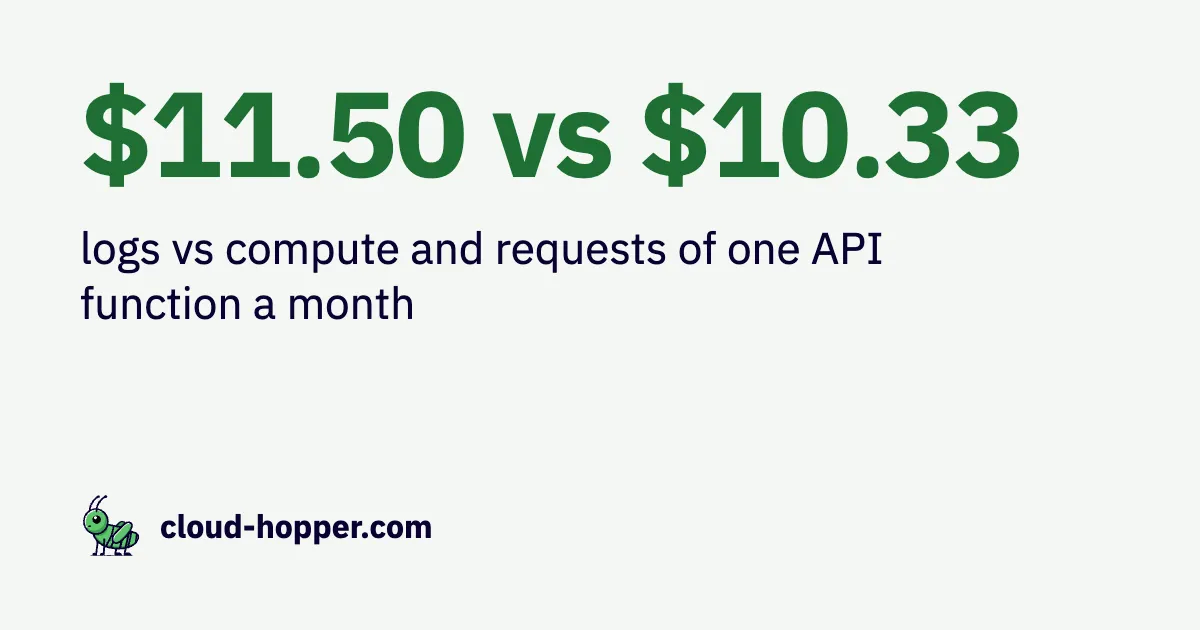
Take an API function with 10 million invocations a month, 100 ms each, at 512 MB. Compute and requests cost $10.33 a month.
The function logs what it does at the INFO level: the incoming request, a few steps, the response. That’s about 2 KB per invocation. Lambda adds its own START, END and REPORT lines, another 0.3 KB or so. Together that is 23 GB a month, and ingesting it costs $11.50. The logs cost more than the function.
Three settings that help
1. Log less. Lambda can filter log lines by level before CloudWatch ingests them. Set the log format to JSON and the application log level to WARN, and DEBUG and INFO lines are dropped:
aws lambda update-function-configuration --function-name my-function \
  --logging-config LogFormat=JSON,ApplicationLogLevel=WARN
The filter only works with the JSON format, and only for output that carries a level: lines written through the runtime’s logger, or JSON with a level field. In the example, only Lambda’s own lines remain, 3 GB a month for $1.50. When you need the details for debugging, lower the level again for a while.
2. Use the Essentials log class. Log groups in the Essentials class (formerly Infrequent Access) cost half as much to ingest into. Storage and queries cost the same, and Logs Insights can still search the logs. What you give up: metric filters, subscription filters, Live Tail, Lambda Insights, and metrics written in the Embedded Metric Format. The class of a log group cannot be changed, so you create a new log group and set it in the function’s logging configuration. In the example, this halves the log cost to $5.75 without dropping a line.
3. Set a retention. A log group without retention keeps every line forever, and storage grows every month. In the example, after a year that is up to 276 GB, which costs up to $8.28 a month by then, and more each month after (less in practice, since storage is billed compressed). Thirty days are enough for most functions:
aws logs put-retention-policy --log-group-name /aws/lambda/my-function --retention-in-days 30If logs must be kept longer, export them to Amazon S3 first, where storage costs less.
Monitoring adds its own costs
Metrics, dashboards and tracing tools are billed separately, and some of them grow in ways that are easy to miss:
- Custom metrics are billed per combination of metric name and dimensions. Three metrics per function are cheap; the same three metrics with a dimension per customer are 300 metrics for 100 customers, $90 a month. This includes metrics written in the Embedded Metric Format.
- Logs Insights charges for the data a query scans, every time it runs. A query over the last 24 hours of the example scans about 0.77 GB, which is under half a cent. A dashboard left open on a wall screen that refreshes it every five minutes runs it 288 times a day: about $33 a month.
- Lambda Insights and third-party monitoring tools usually run as Lambda extensions inside the function. Besides their own price, often per GB or per invocation, they need memory and time in the function itself, which shows up in its billed duration. Measure the function with and without the extension.
Summary
For functions with many short invocations, logs can cost more than the functions themselves. Three settings bring that under control: a log level that drops what nobody reads, the Essentials log class where its limitations don’t matter, and a retention period. They take minutes to set and are easy to forget, especially for log groups that Lambda created automatically.
The Cloudhopper app shows for every function what its logs cost next to compute and requests, and recommends each of these settings with the savings in dollars when it pays off.